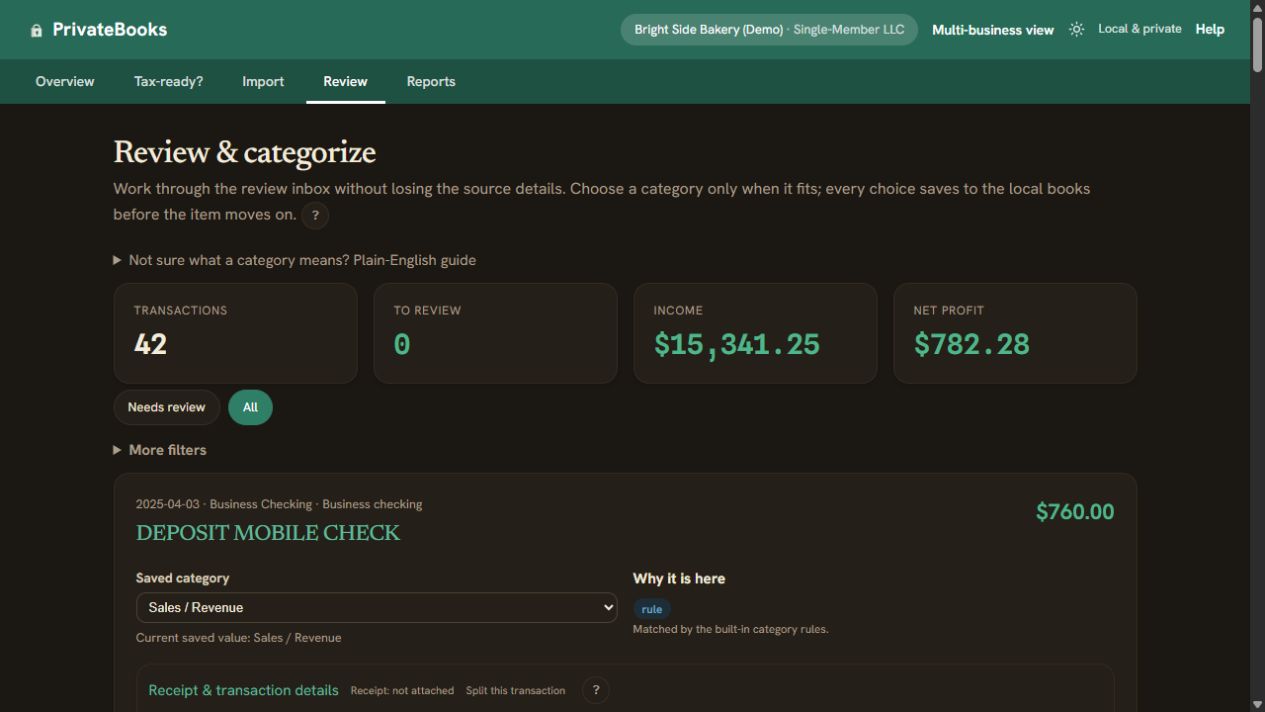
Review lists the transactions that still need a category, with the suggested ones to check after.
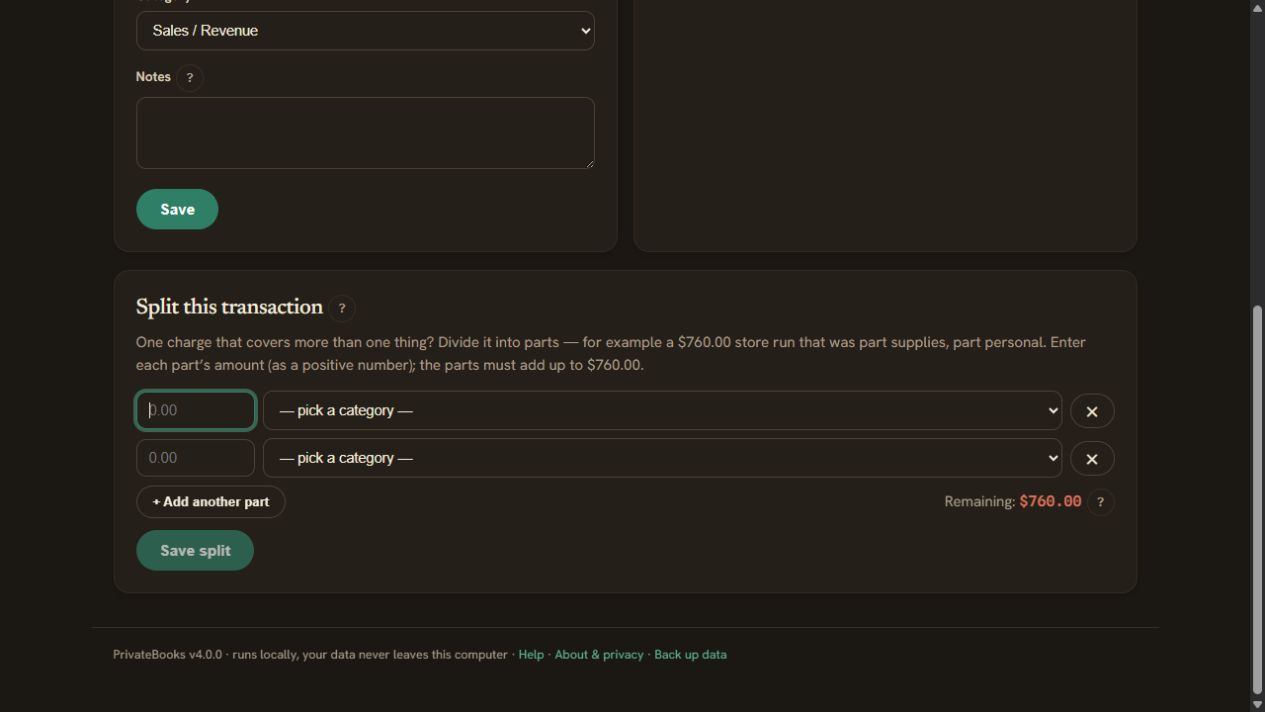
Split a transaction
A split divides one purchase into parts, each with its own category. The parts must add up to the original amount.
Pictures show the built-in demo business, not real books.
Pictures for the tricky parts
Each picture uses example numbers. Reports shows the same picture with your own numbers.
Example
A transfer is not income or an expense
Business Checking-$650.00
→Your money
Business Visa+$650.00
Paying your own card from your own checking account moves money, it does not earn or spend it. PrivateBooks keeps matched transfers out of income and expenses so nothing counts twice.
Step by step
What does the Review screen want me to do?
Choose a category for transactions that need one. In Owner workspace, use Save category or Save & next. In Accountant workspace, changing a category in the Review table saves immediately. Check Suggested categories against your records, change mistakes and confirm the rest. Reports use the saved category before confirmation. Use Help me decide for an uncertain purchase, or save a question and leave its category unchanged.
What is a "transfer" and why is it left out of my totals?
A transfer is money moving between two of your own accounts - like paying your credit card from checking, or shifting cash to savings. PrivateBooks matches an equal-and-opposite pair across your accounts and marks both sides as a transfer, so the same dollar isn't double-counted. Transfers aren't income or a deduction, so they're deliberately kept out of your income, expense, and net-profit totals.
How do I review matching transactions?
Open Review matches beside your category choice. See the matching phrase and the exact transactions, business, accounts and year. The current transaction's year is selected first. To include other years, explicitly choose All open years. No other rows are selected for you. Select only the transactions you want to change, then save. Matching words do not prove the same business purpose.
Can one purchase be split across more than one category?
Yes - open a transaction and use split to divide one charge into two or more parts, each with its own category (for example, a $200 store run that's $150 supplies and $50 personal). The parts must add up to exactly the original amount. The original is kept for your records but excluded from totals, and each part counts on its own. Transfers and credit-card payments can't be split.
I categorized something wrong - how do I fix it, and will it fix similar ones?
Correct one transaction in Owner workspace with Save category or Save & next. Accountant workspace saves a category change immediately. To change other transactions, open Review matches and select the exact rows. They become saved suggestions and still need confirmation. Reports use their saved categories before confirmation. Remember this description match for future imports is separate and optional; leaving it off keeps existing saved rules. Categories chosen by hand, closed years, transfers and rows marked non-business are protected from copying. A broader matching save does not offer the short single-row Undo.
Can I undo a category change or correct a transaction I entered by hand?
Yes. After an ordinary category save, Undo appears on that same Review row for a short window. Transactions entered by hand can be opened to edit their source details or removed; PrivateBooks keeps a local before/after history and shows a Restore action for a removed manual row. Imported bank rows stay locked as source evidence, so correct their category, split, note, or receipt instead of rewriting the statement facts.