Everything PrivateBooks does.
Bookkeeping, owner-reviewed helpers, and a preparer handoff package - locally useful offline, with uncertainty and unsupported tax boundaries kept visible.
Features
“Am I tax-ready?”
A year-specific checklist shows unresolved items in the records you loaded and explains what its passing state can - and cannot - prove.
Reports that make sense
Profit & loss, a cash-flow chart, your top vendors, and recurring subscriptions you forgot you're paying for.
Mileage & home office
Log business trips and home-office inputs; PrivateBooks applies supported IRS rates and stops instead of guessing when a required rate or owner confirmation is missing.
The platform's cut
Record the customer's gross payment and the platform fee separately, so gross receipts are not understated and the fee is available for eligibility review.
Split a charge
One purchase that was part business, part personal? Split it across categories - the parts always add up exactly.
Lock a filed year
Close a tax year and PrivateBooks protects it, so a stray edit or re-import can't change a number you already filed on.
Back up & restore
Create one portable archive containing the database, attached receipts, a versioned manifest, and integrity hashes; restore is previewed and keeps a recovery copy.
Answers where you need them
A “?” next to anything unfamiliar opens a plain-English explanation, and the complete in-app help centre is searchable offline.
How it works
From statement files to a clear handoff.
A guided four-stage workflow for business owners. Automation helps, but every important save and tax boundary stays visible.
Set up the work you actually do.
24 kinds of work - from rideshare, delivery and trades to hair and beauty, real estate, reselling and food businesses - pick yours and answer three plain questions. PrivateBooks adds common bookkeeping categories and merchant suggestions, each mapped to a Schedule C line for review. These are starting suggestions, not decisions about what you may deduct.
Suggestions first; you decide.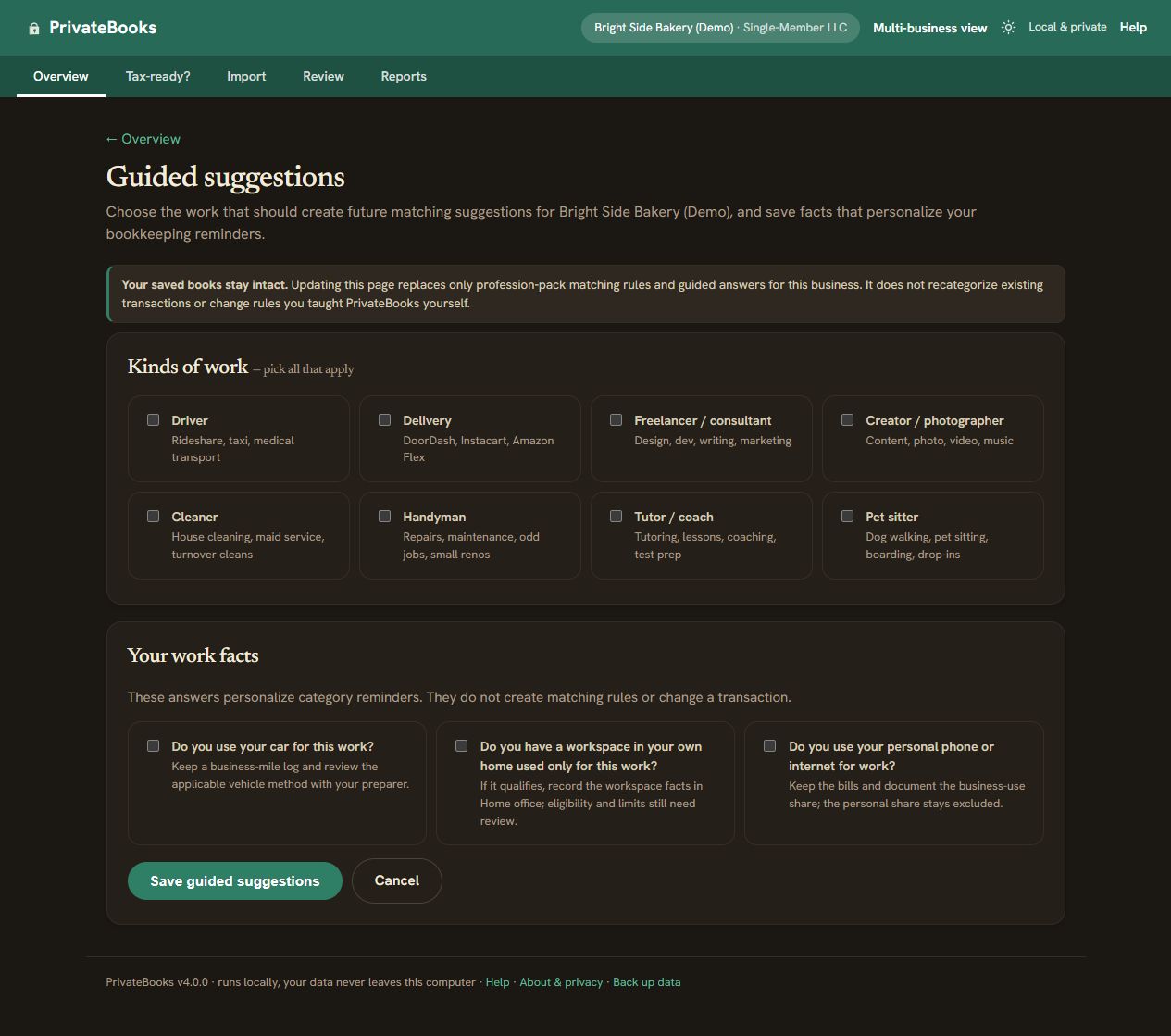
Preview before you import.
CSV is the recommended format. Common CSV layouts and text-based bank PDFs are supported, but PDF layouts vary; scanned, photographed, password-protected, or unreadable files stop with a clear next step. The preview shows column mapping, date/sign decisions, duplicate handling, source evidence, and optional balance arithmetic before you confirm any save.
Nothing is saved until you confirm.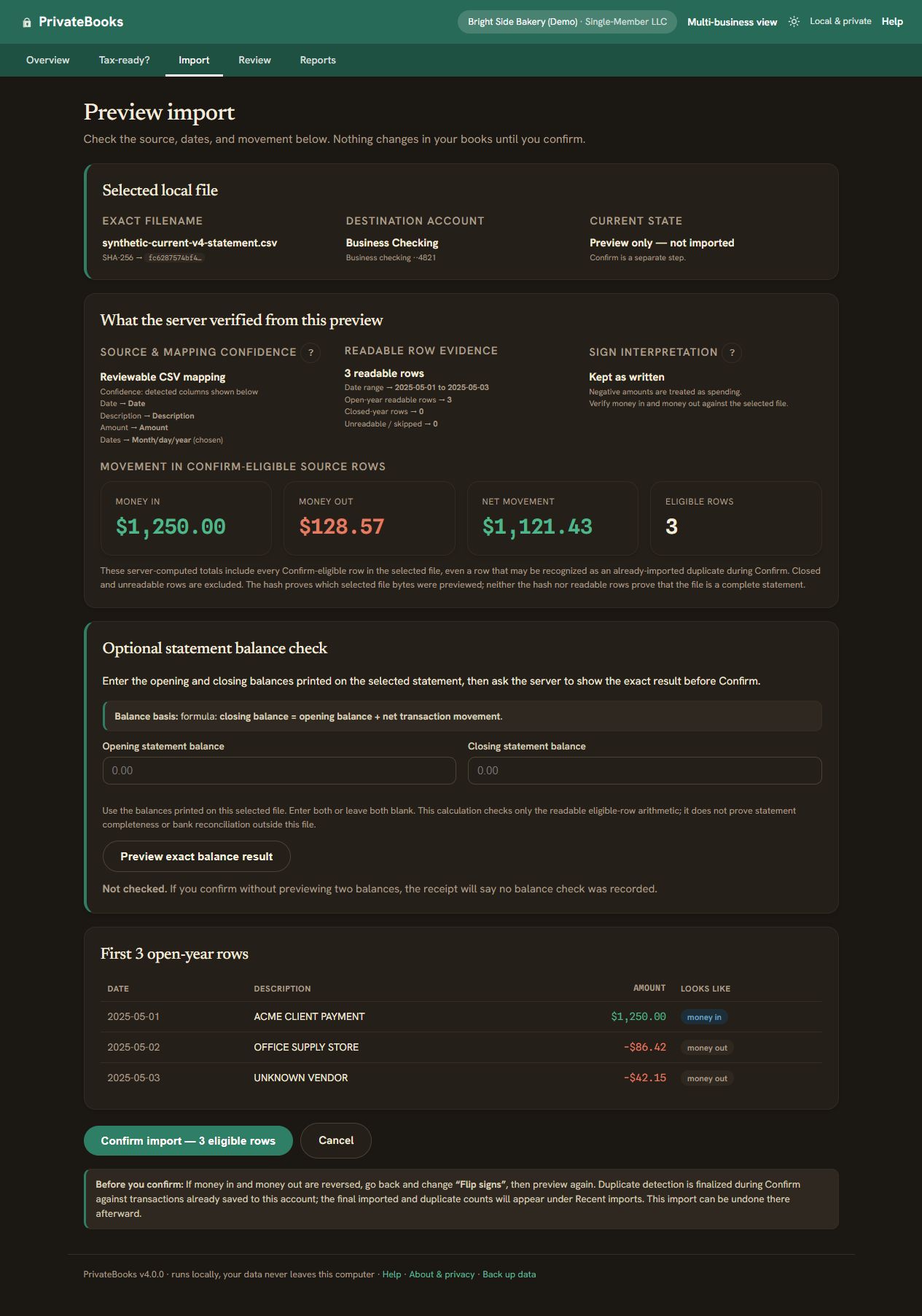
Review, correct, and teach.
Built-in rules suggest categories and visibly flag uncertainty. Your manual choices are protected from later auto-sorting; Undo reverses a recent category change, and a learned merchant rule can be reviewed, edited, or deleted. Only matched or confirmed transfers stay out of income and expense totals.
Automation suggests; you remain in control.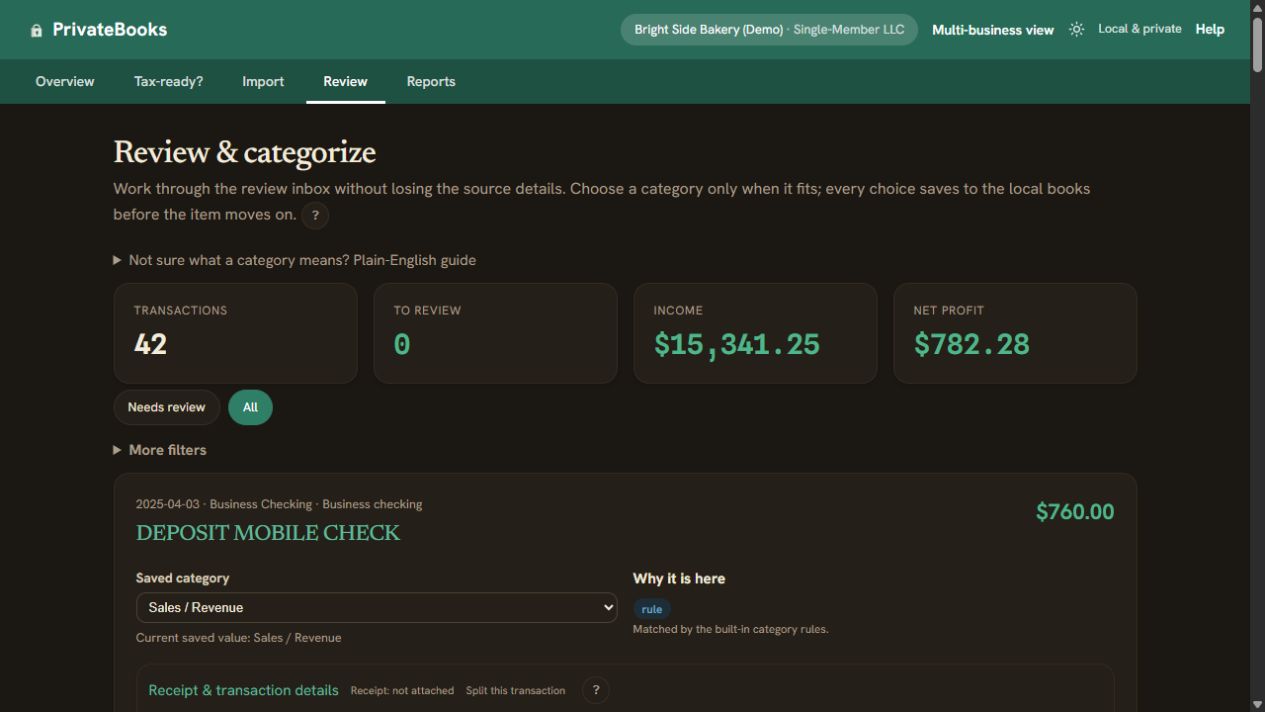
Check the year, then hand it off.
Tax readiness reports what the app can prove from the records you loaded. For a supported 2025 Schedule C business, the package includes the ledger, P&L, versioned calculation, support notes, and PDFs for preparer review. A passed checklist is not proof of statement completeness, reconciliation, or professional approval.
Built-in checks passed still means preparer review required.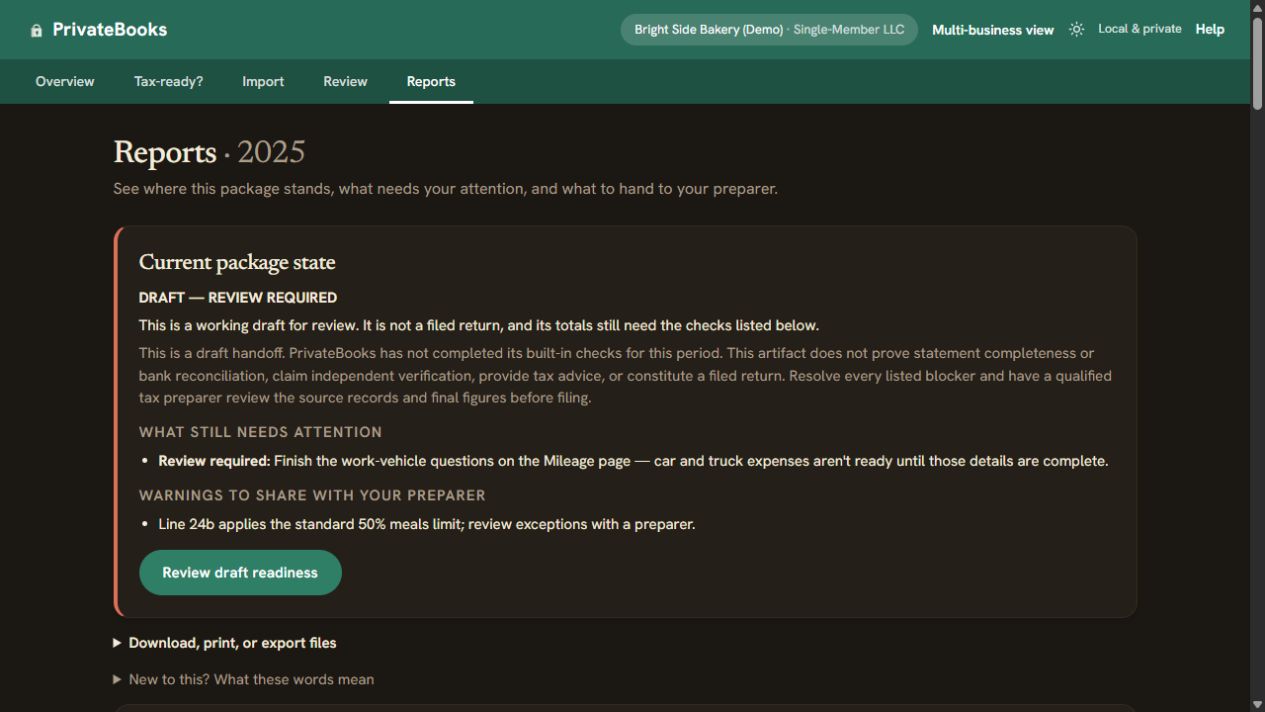
See the shape of your year
Where your money came from - and went.
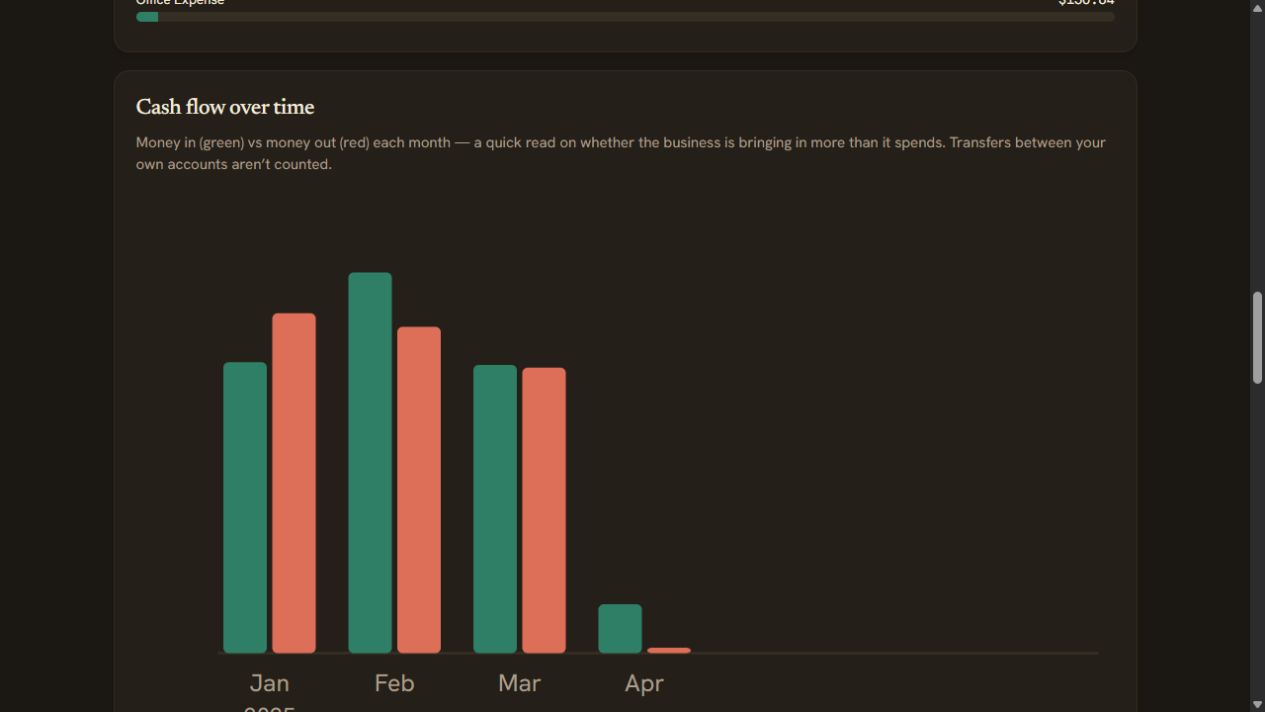
A clean cash-flow chart shows money in versus money out, month by month, so you can see at a glance whether the business is bringing in more than it spends. Transfers between your own accounts don't muddy the picture.
One charge, more than one thing
Split a purchase in seconds.
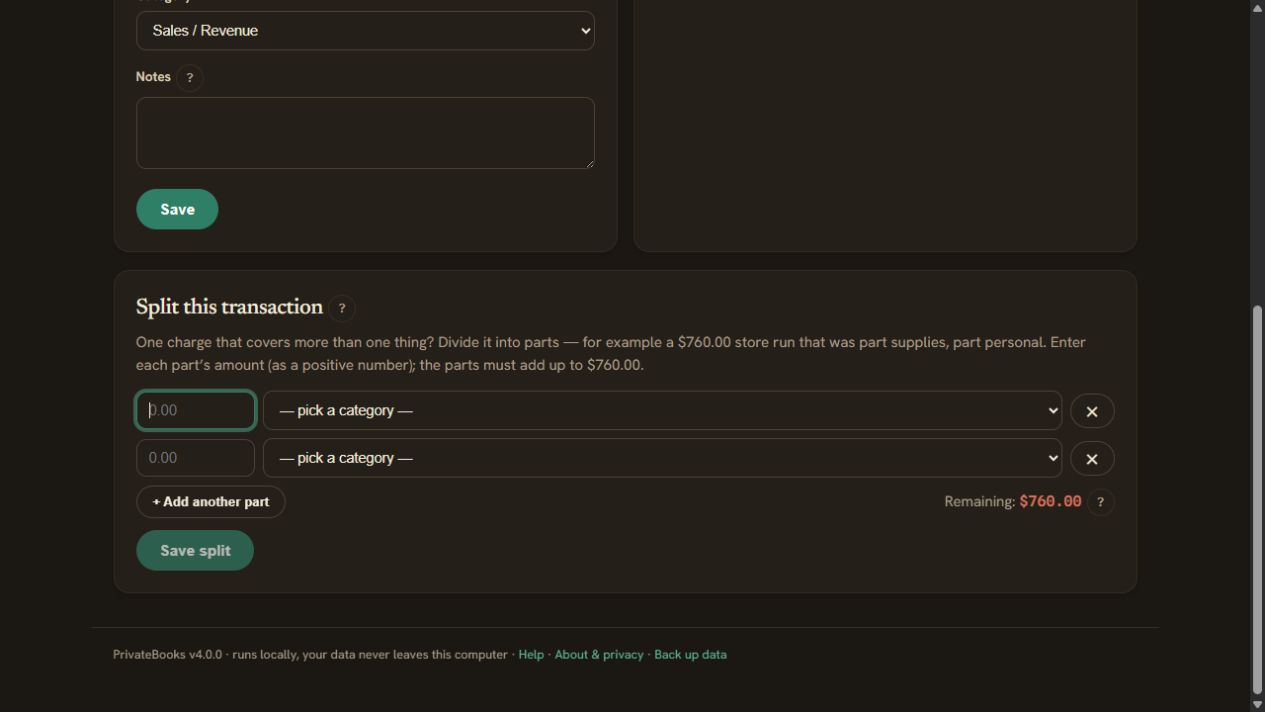
Bought supplies and something personal on the same receipt? Divide the charge into parts, each with its own category. PrivateBooks keeps the original for your records and makes sure the parts add up to the penny.
No accounting degree required
Answers right where you need them.
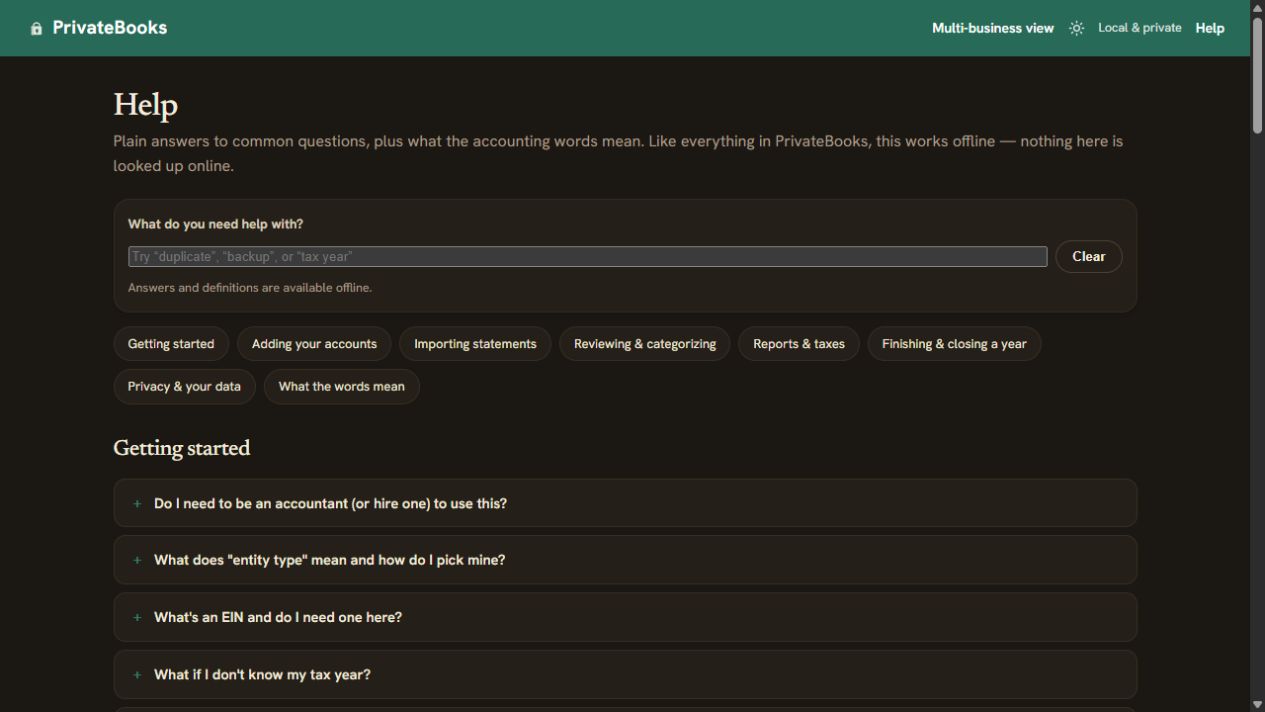
A little “?” next to anything unfamiliar opens a plain-English explanation, and a full help centre is one click away - written for business owners, not accountants. The in-app help centre is searchable offline.
What makes the numbers trustworthy
- Sign-aware categorization. The matching rules never book money coming in as an expense, or money going out as sales or other income, which kills whole classes of mis-categorization. You can still put a refund in the expense category it reduces.
- Transfers excluded. Moving money between your own accounts, owner draws, loan principal, credit-card payments and personal spending are kept out of income and deductions - they aren't business activity.
- Uncertainty is not hidden. Anything still uncategorized is flagged and excluded from totals until you review it. Categories filled in by the built-in, business-type or learned rules are suggestions: they keep the Schedule C package in draft until you confirm or change them, and you still confirm statement coverage.
- 45 categories, ready to use. Each of the 37 business categories is mapped to its Schedule C line; the other 8 (transfers, card payments, loan principal, owner draws and contributions, estimated income tax, sale of business property, and personal spending) are kept off Schedule C. You never have to invent a chart of accounts.
What PrivateBooks is not
We'd rather tell you now: it isn't payroll, invoicing, inventory, or live bank feeds. It isn't tax filing and it isn't tax advice - it prepares a bookkeeping summary for you and your tax preparer. Partnership, S-corp and C-corp modes produce grouped bookkeeping summaries. The versioned 2025 Schedule C calculation is for sole proprietors and single-member LLCs, remains subject to stated support limits, and always requires preparer review.